Boztik Guides
Learn to see photos differently.
Field-tested explanations for photo editing and restoration: what to do first, which settings matter, how to judge the result, and what to do when an edit goes wrong. Each guide is built around a practical workflow rather than a list of definitions.
Written from a working editor's perspective, with clear steps, worked examples, limitations and quality checks. Software menus can vary by version, so the principles are explained alongside the controls.
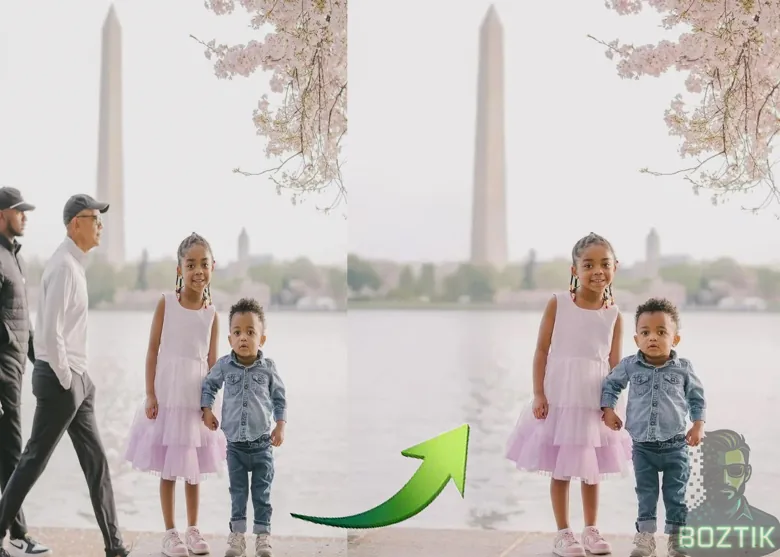
New to photo editing? Start with these three.
A short path through the guides, in the order that makes each one easier.
- Layers and MasksEvery edit in this site's guides builds on layers. Learn them once, in about ten minutes.
- Scanning Old PhotographsA clean scan is the best head start a restoration can have, and it is easy to get wrong.
- Restoring Old PhotographsPut it together: assess, repair, fix tone and colour, and export without harming the original.
All guides
8 written guides plus an interactive Creative Studio walkthrough. New material is added when it can be written properly, not to pad the list.
-
 Creative ToolsInteractive
Use the Boztik Creative Studio Image Workbench
Learn to repair small blemishes, create an interactive background cutout, reduce mild noise, crop and export an edited image in your browser.
-
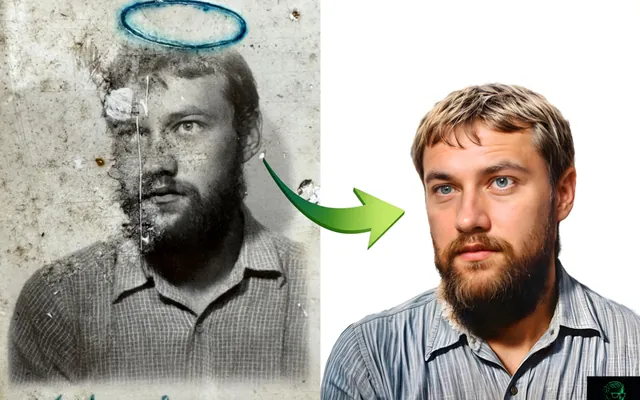 Photo RestorationUpdated
How to Restore Old Family Photographs: A Beginner's Guide
A step-by-step workflow for dust, scratches, creases, fading and faces, with Photoshop steps and honest advice on where AI helps and where it misleads.
-
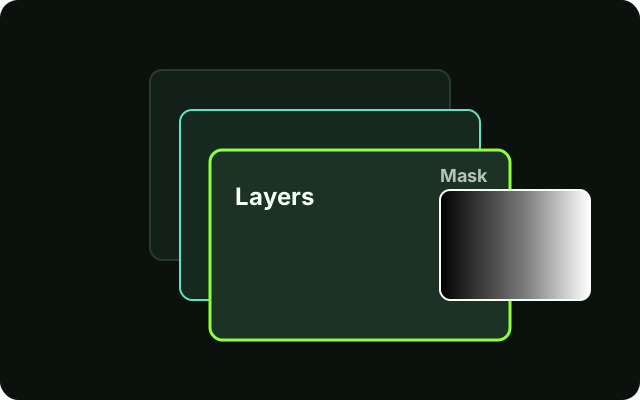 Photoshop BasicsNew
Understanding Layers and Masks in Photoshop
The one idea behind almost every edit: stack changes on layers, and use masks to control exactly where each change shows.
-
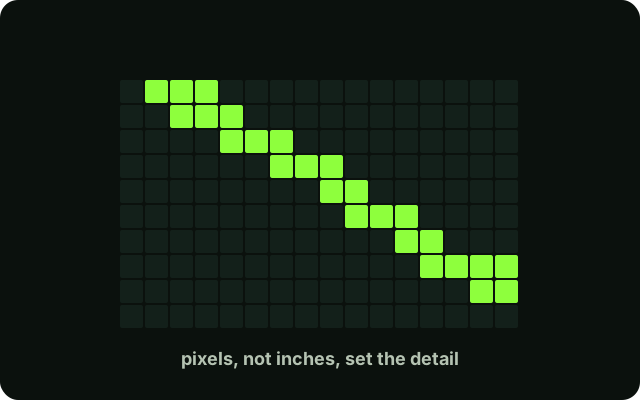 File Formats & QualityNew
Image Resolution and DPI Explained for Beginners
Pixels, PPI and DPI without the jargon: how many pixels a photo needs for the screen or for a print, and how to check yours.
-
 File Formats & QualityNew
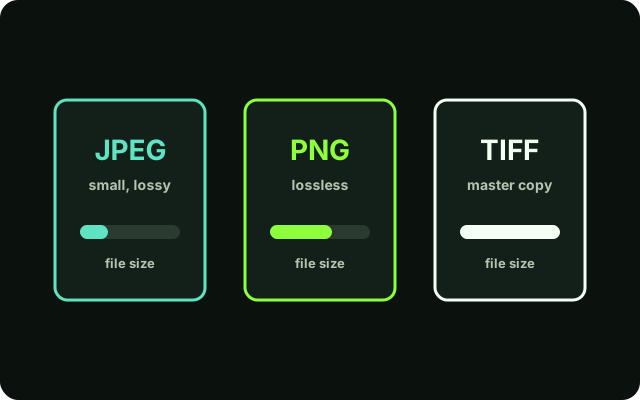
JPEG vs PNG vs TIFF: Which Format Should You Use?
What each file format is good at, why you should keep a master copy, and a simple rule for choosing when you save.
-
 Photo RestorationNew
How to Scan Old Photographs Without Losing Image Quality
Settings, handling and a clean workflow for digitising prints so the scan is a good starting point for any restoration.
-
 RetouchingUpdated
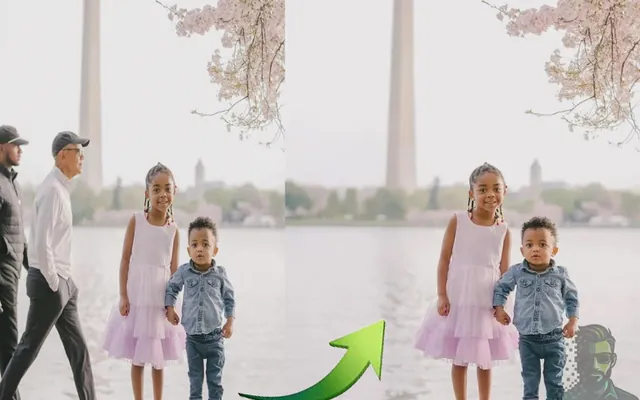
How to Remove Objects From Photos in Photoshop
Which tool to reach for, how to rebuild the background, and how to check that a removal looks real instead of patched.
-
 RetouchingUpdated
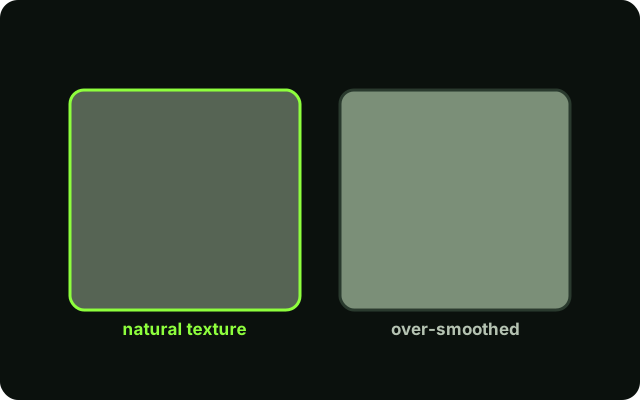
Photo Editing Mistakes That Make Photos Look Artificial
The tells that give an edit away, why each happens, and how to fix it in Photoshop.
-
 AI-Assisted EditingUpdated
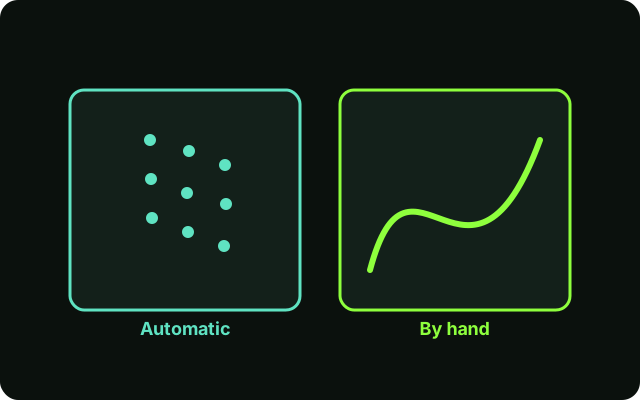
AI Photo Editing vs Manual Editing: Which Should You Use?
Where automatic tools genuinely help, where they quietly change the picture, and a simple way to check an AI result.
No guides match that search.
Try a shorter word, or clear the filters to see every guide.
How these guides are written
- Beginner first.Technical terms are explained where they first appear, so you should not need to search elsewhere.
- Photoshop steps are labelled.Menu paths and shortcuts sit in boxes marked "In Photoshop", apart from advice that applies to any editor. Menus can differ slightly between versions.
- Honest about limits.Each guide says what a technique cannot do, and cites its sources where it relies on them.
See the editing these guides come from.

Enjoying Boztik?
Boztik's tools are free to use, and the creative work behind them is independent. If either has helped you, consider supporting future development and helping keep it going.
 Support via PayPal